For macOS
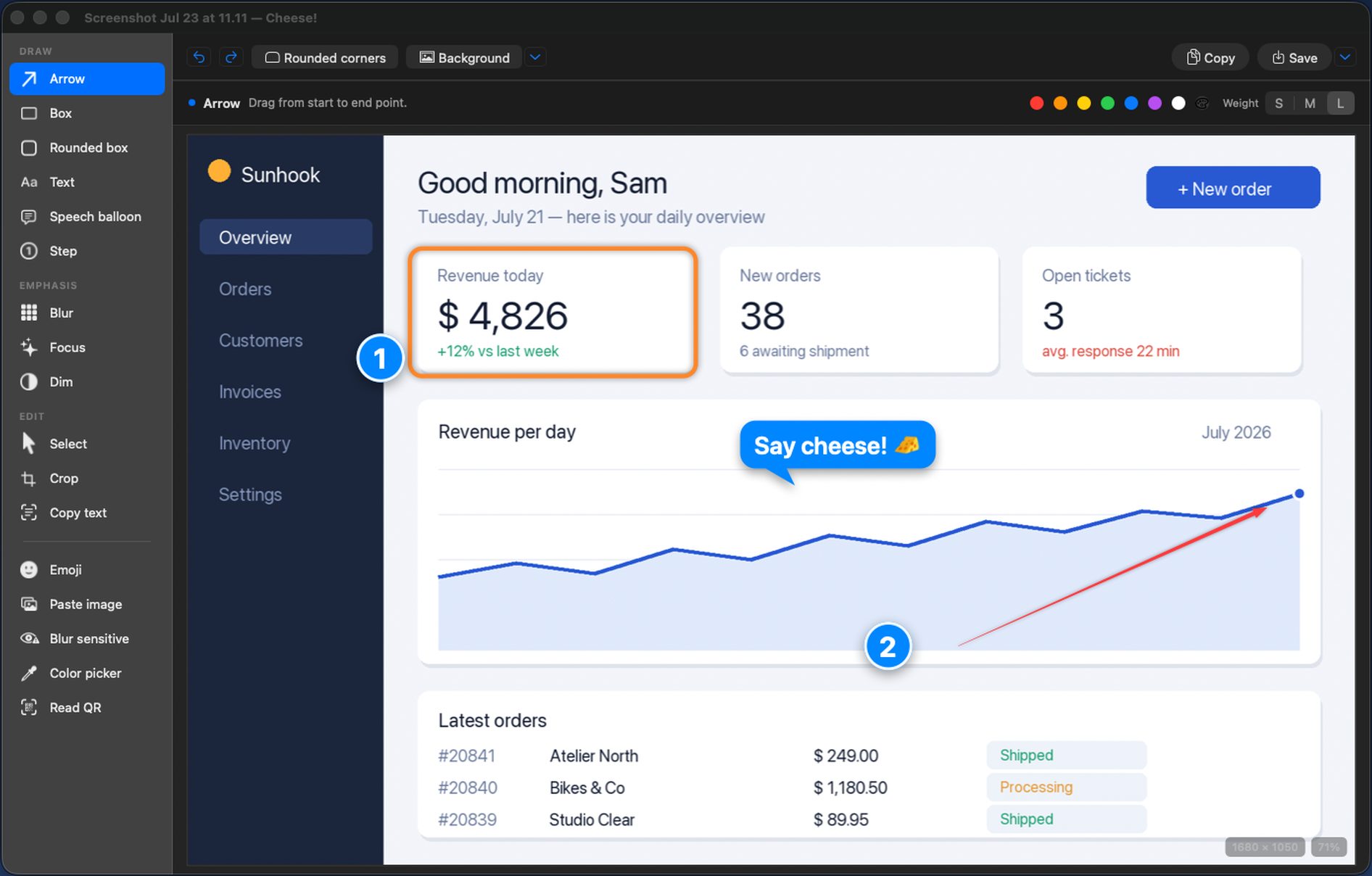
One shortcut, and your screenshot lands in an editor that already has the arrow, the blur, the crop and the background. No separate snipping tool. No drawing app on the side. No subscription.
$4.99 / €5.99 — pay once, yours forever · macOS 13+ (Apple silicon)

On top of e-mail addresses, phone numbers and amounts, it now finds IBANs, card numbers, API keys, addresses — and faces, even small ones.
Choose what a redaction looks like. A pixelated blur, or a black bar that leaves nothing to guess at.
Closed a screenshot without saving? Cheese! keeps the last five. Reopen one from the menu bar icon or the clock in the editor.
Plain Swift. Not Electron, not a browser in a trench coat. It opens before you have let go of the shortcut.
No account, no sign-in, no cloud, no telemetry. The text recognition and the blurring all run locally.
One price, no subscription, no upsell inside the app. Family Sharing works.
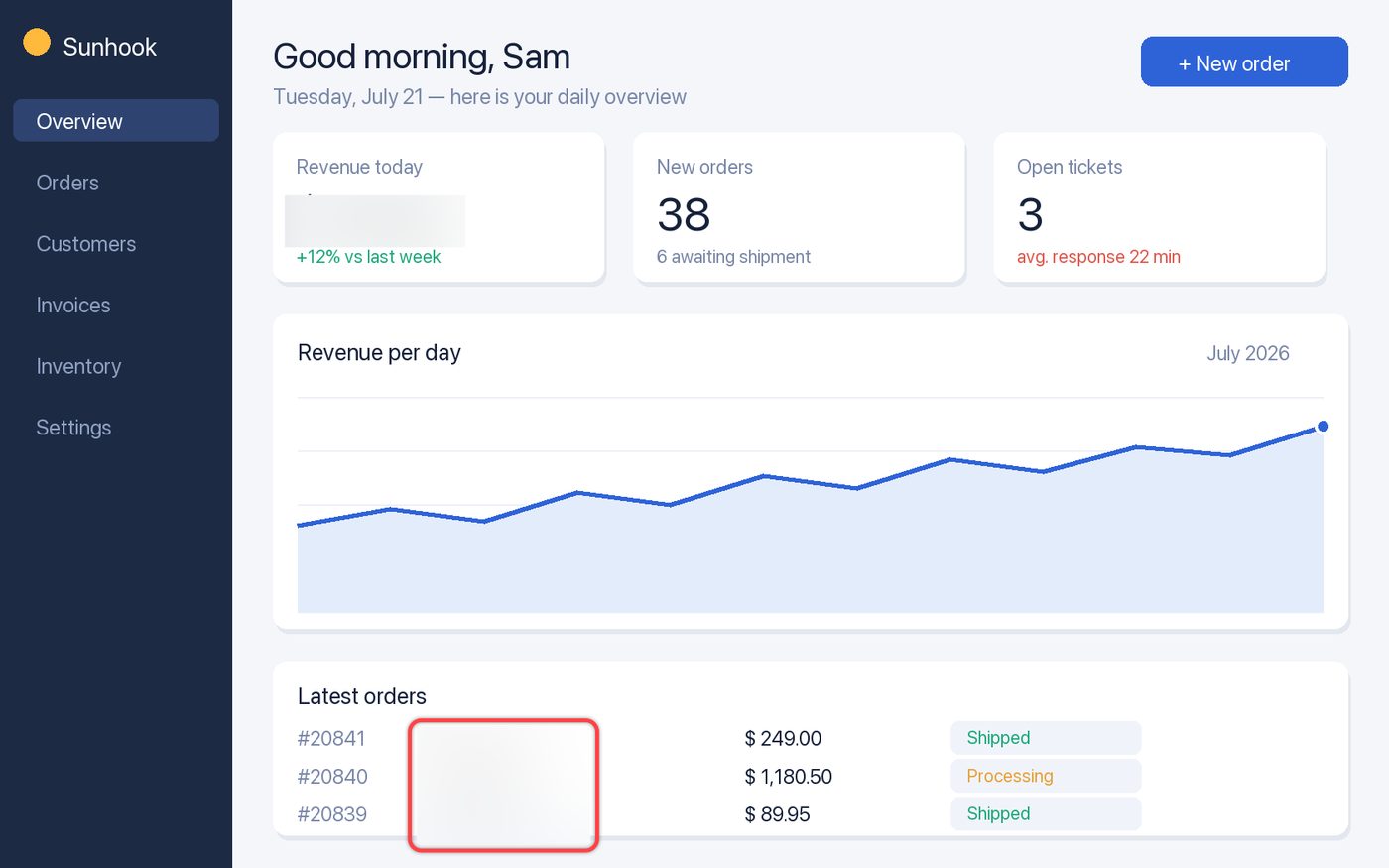
The ones with a customer name in them, a revenue figure, or a colleague who needs an arrow pointing at the right button.
Click once and Cheese! finds what should not leave your screen. You tick what actually gets hidden.
e-mail · phone numbers · amounts · IBANs · card numbers · API keys · addresses · faces · your own words

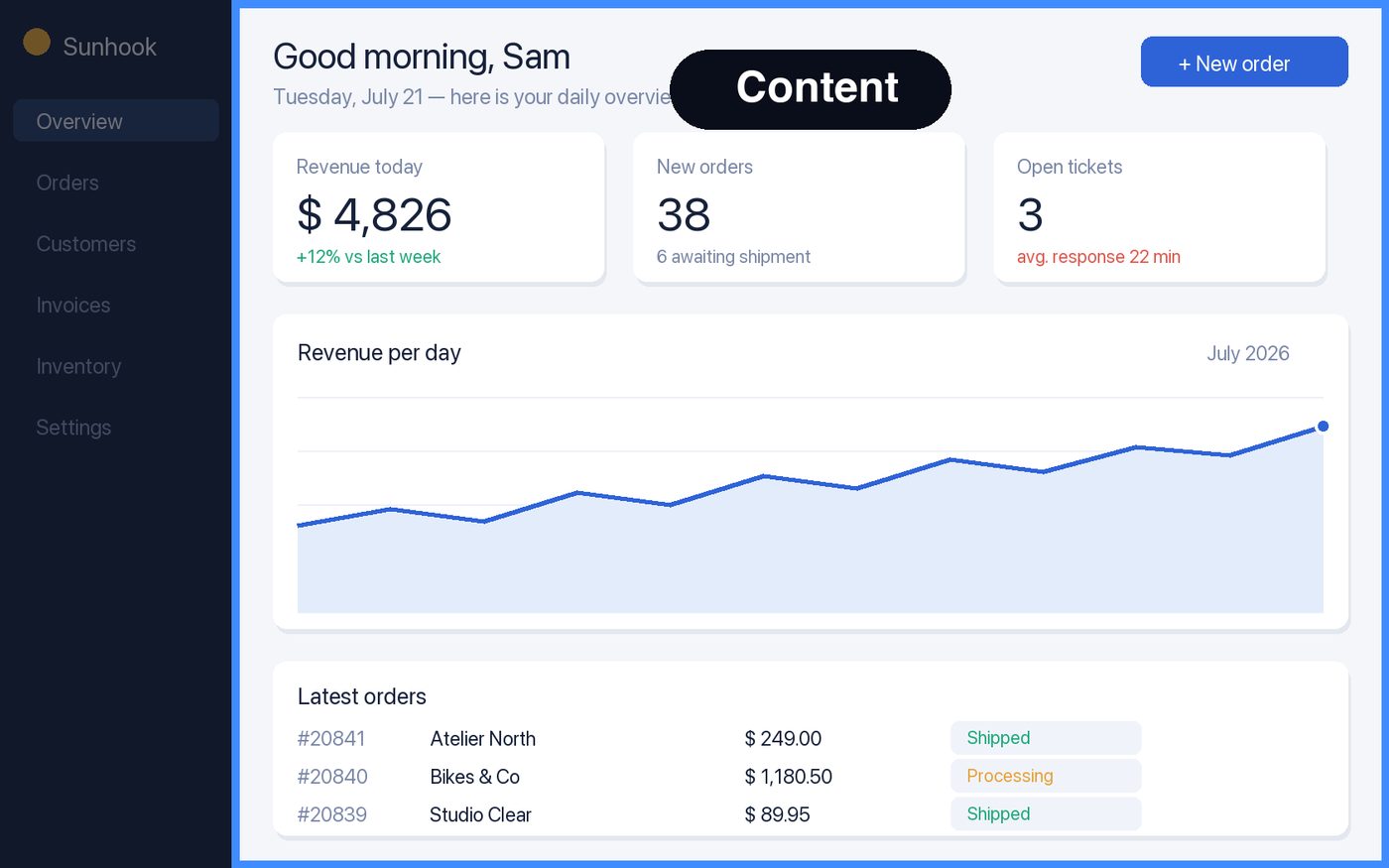
Point at a window and Cheese! takes just that window — or just its content, so a web page arrives without the address bar and your bookmarks.

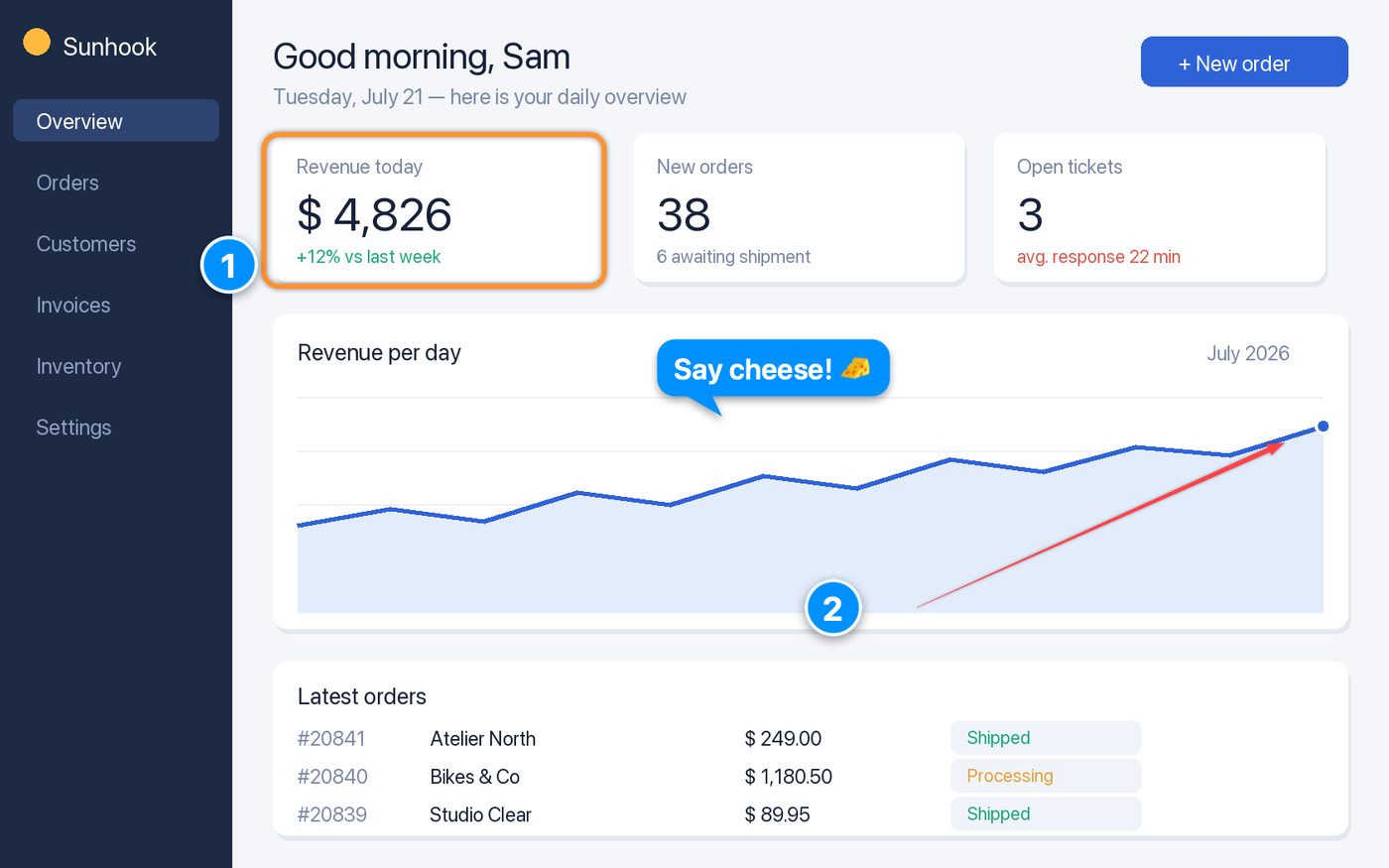
Arrows, boxes, text, speech balloons and numbered steps. Everything stays an object afterwards — select it, move it, resize it, undo it.

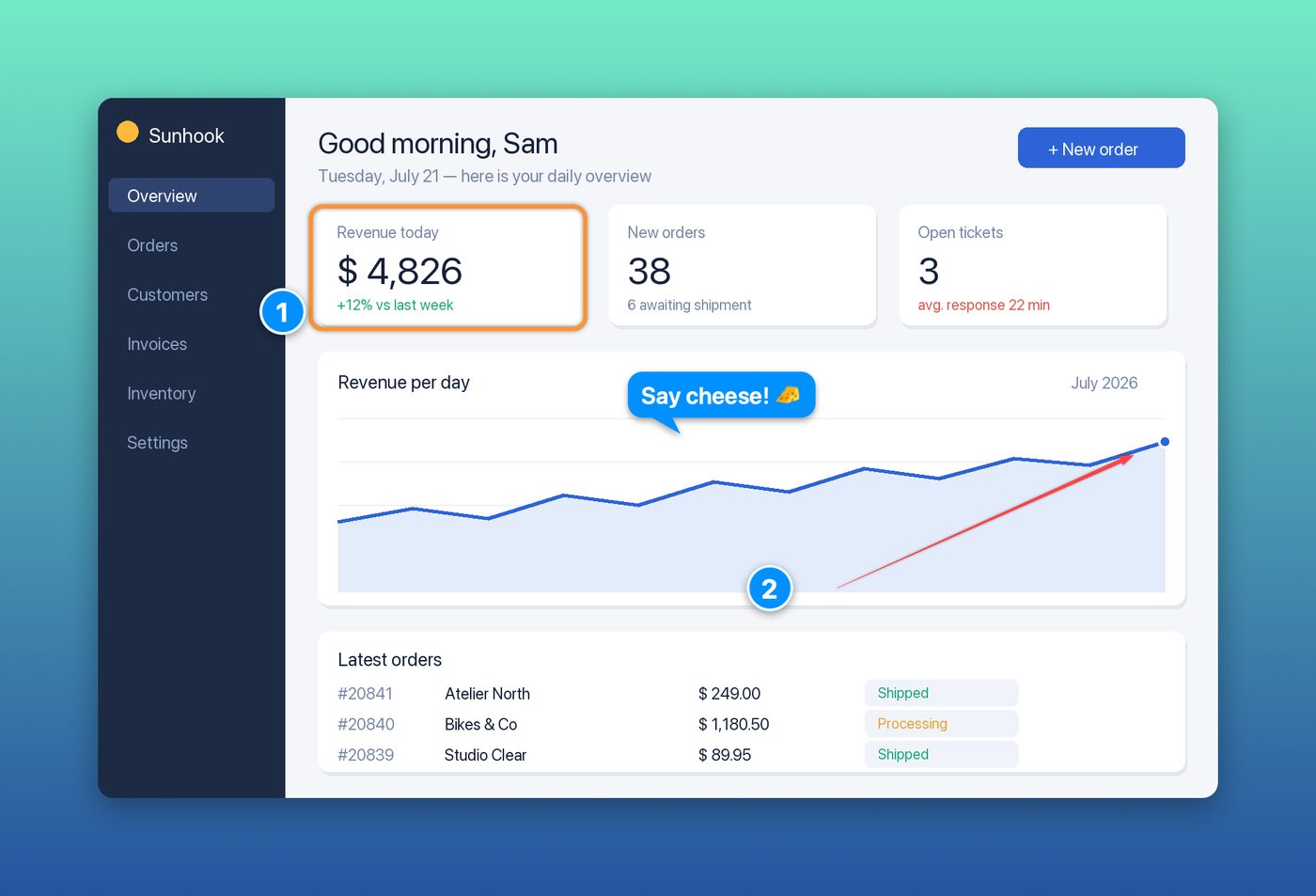
Twelve backgrounds, or your own color or photo, with a shadow and rounded corners. The difference between a raw grab and something you are happy to put in a deck.

No feature tiers, no pro version. This is the whole app.
The one you were about to crop in Preview and annotate somewhere else.
$4.99 / €5.99 — pay once, yours forever